Snap
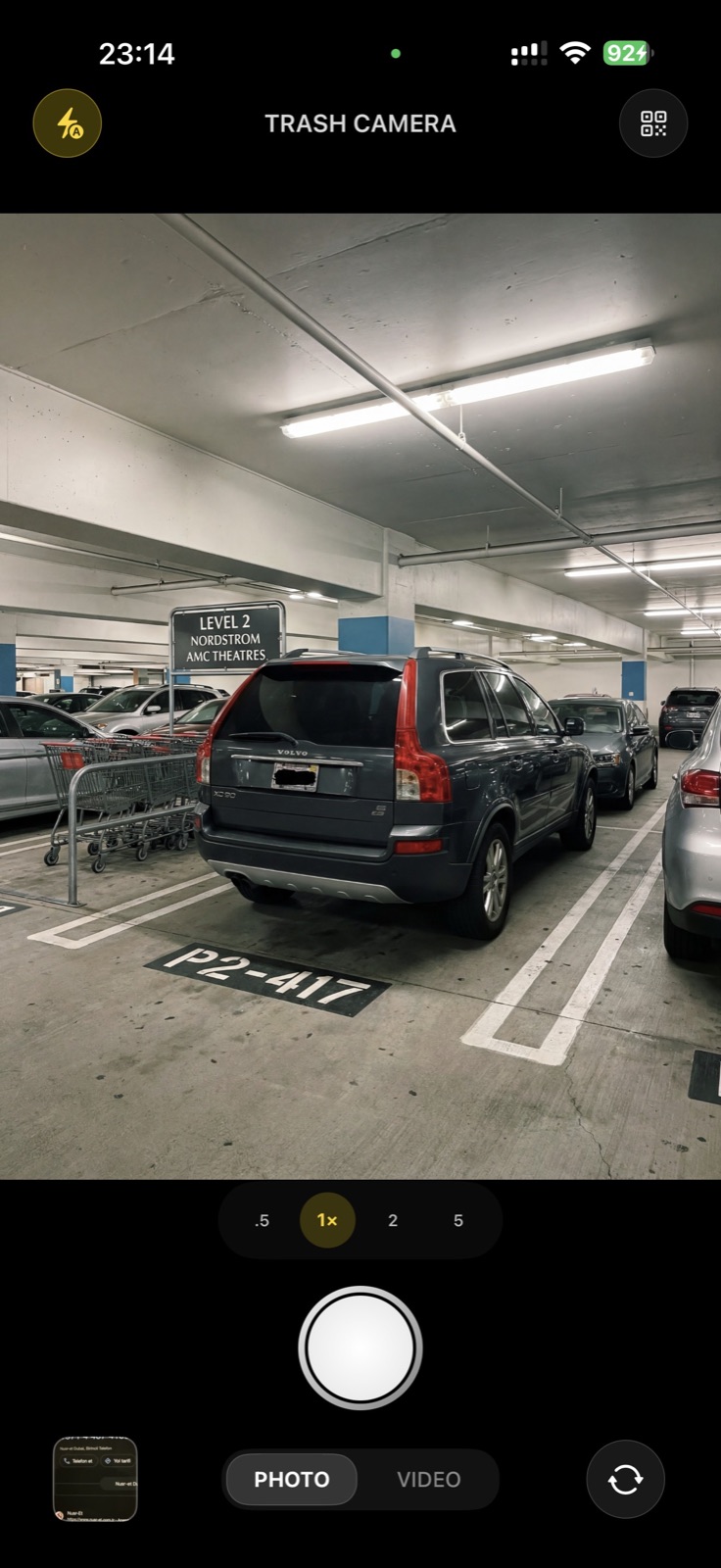
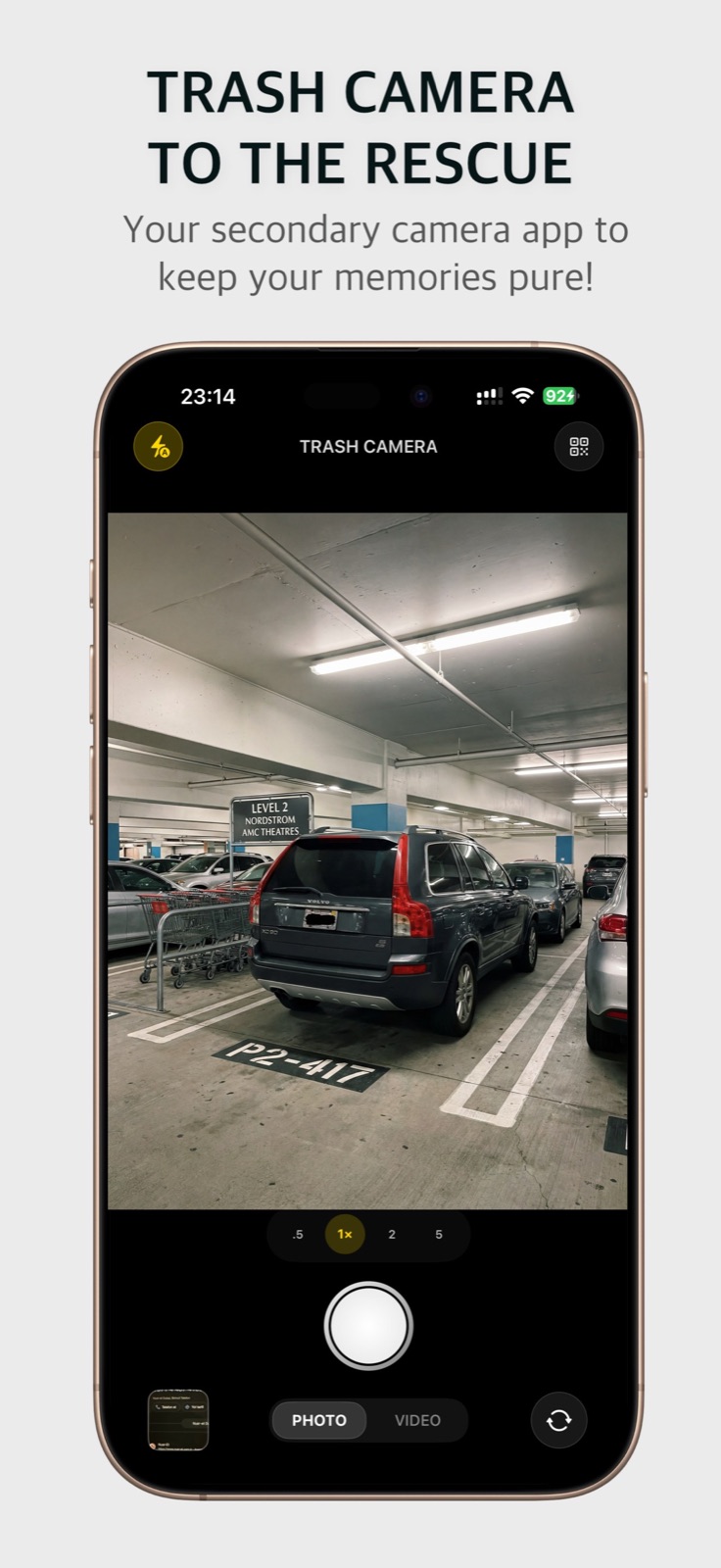
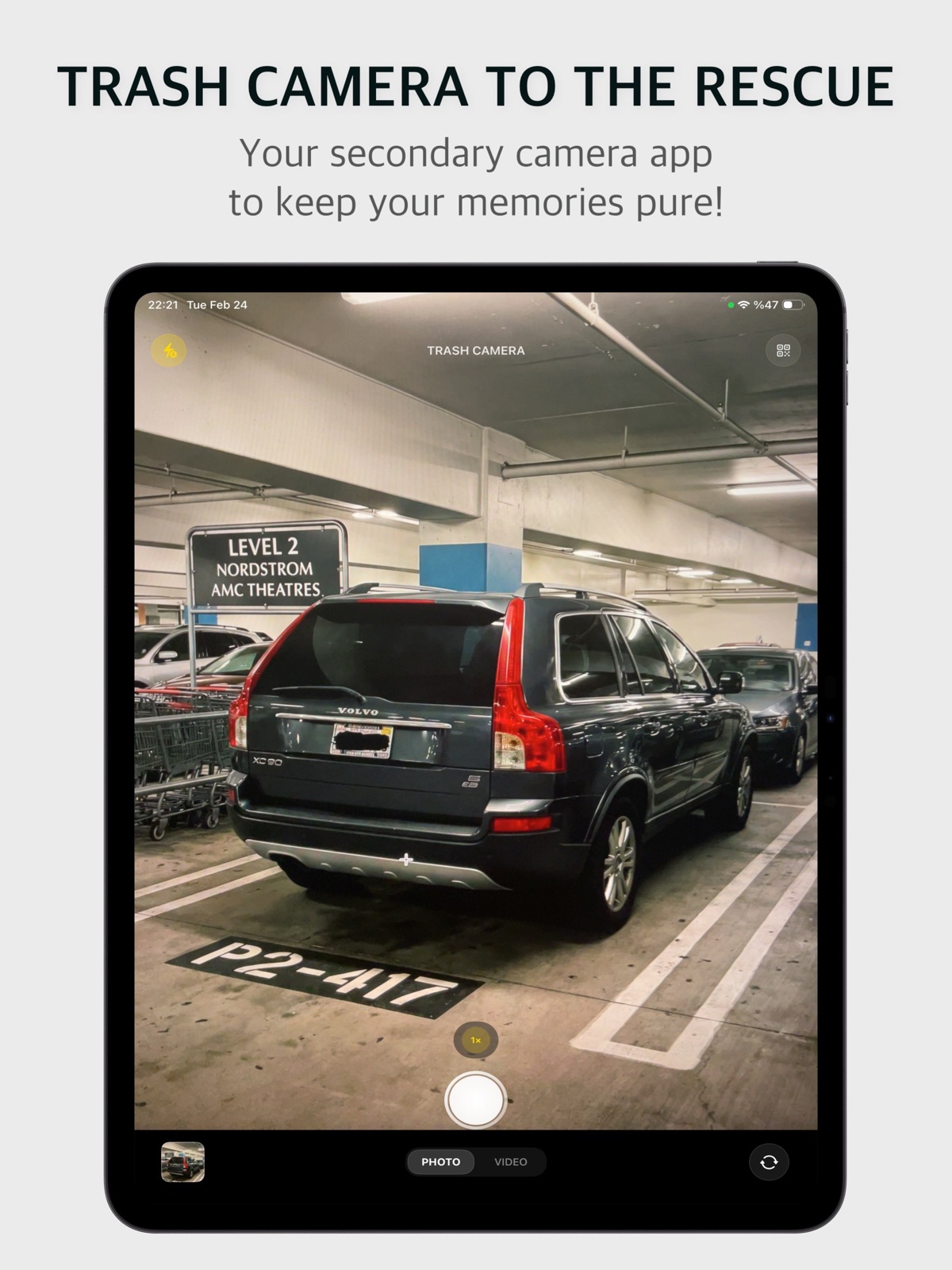
A fast, full camera: photo and up to 4K video, zoom lenses, flash and front camera. Use it instead of the Camera app for anything you won’t want next month.
 A second camera for iPhone & iPad
Receipts, parking spots, Wi-Fi passwords, shelf labels, QR codes. Snap them with Trash Camera and they land in their own private gallery, never in Photos, never in your iCloud storage.

We take dozens of photos a day that we need for a few minutes. They bury the holiday pictures and quietly fill up the iCloud storage you pay for. Watch what happens when they go somewhere else.
Storage almost full. Upgrade your plan?
Clutter you capture here never reaches Photos.
A fast, full camera: photo and up to 4K video, zoom lenses, flash and front camera. Use it instead of the Camera app for anything you won’t want next month.
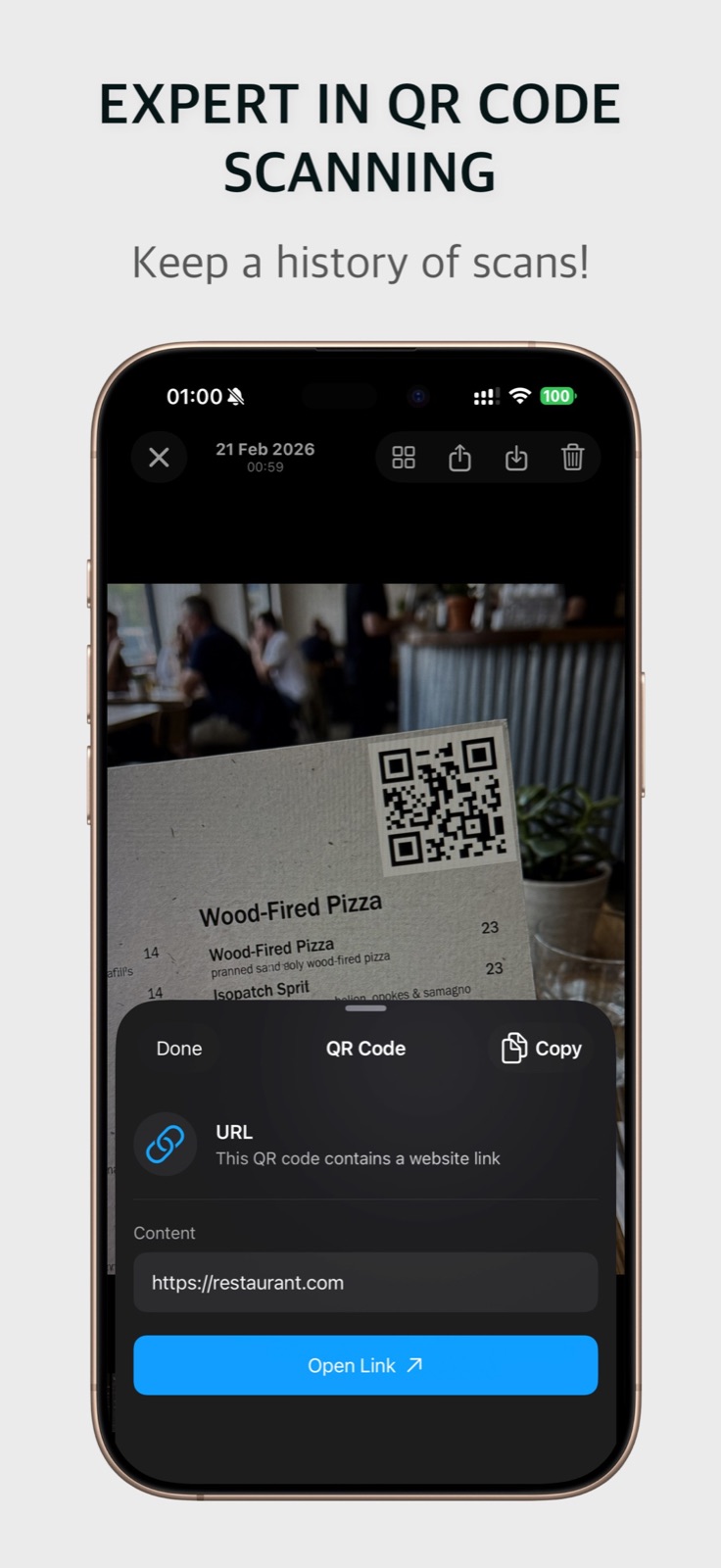
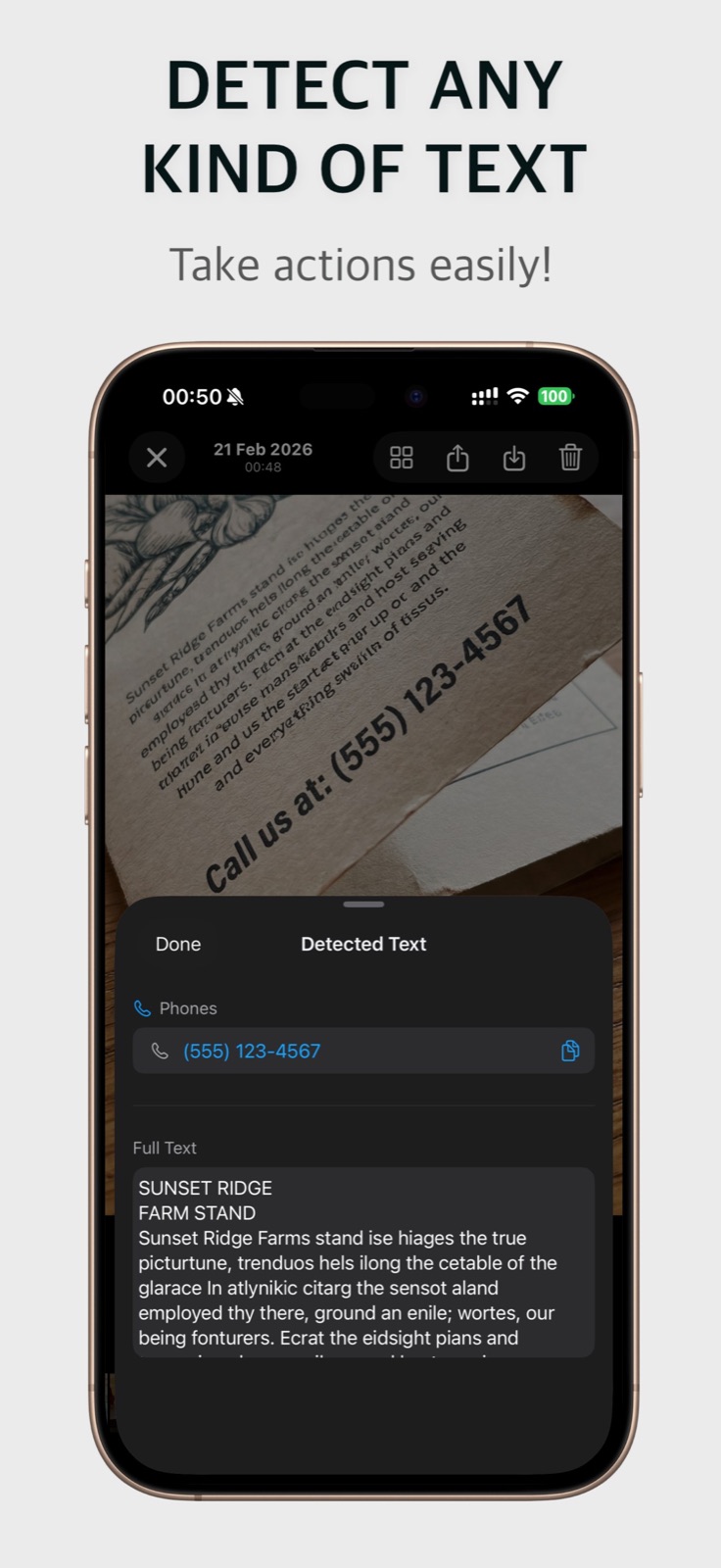
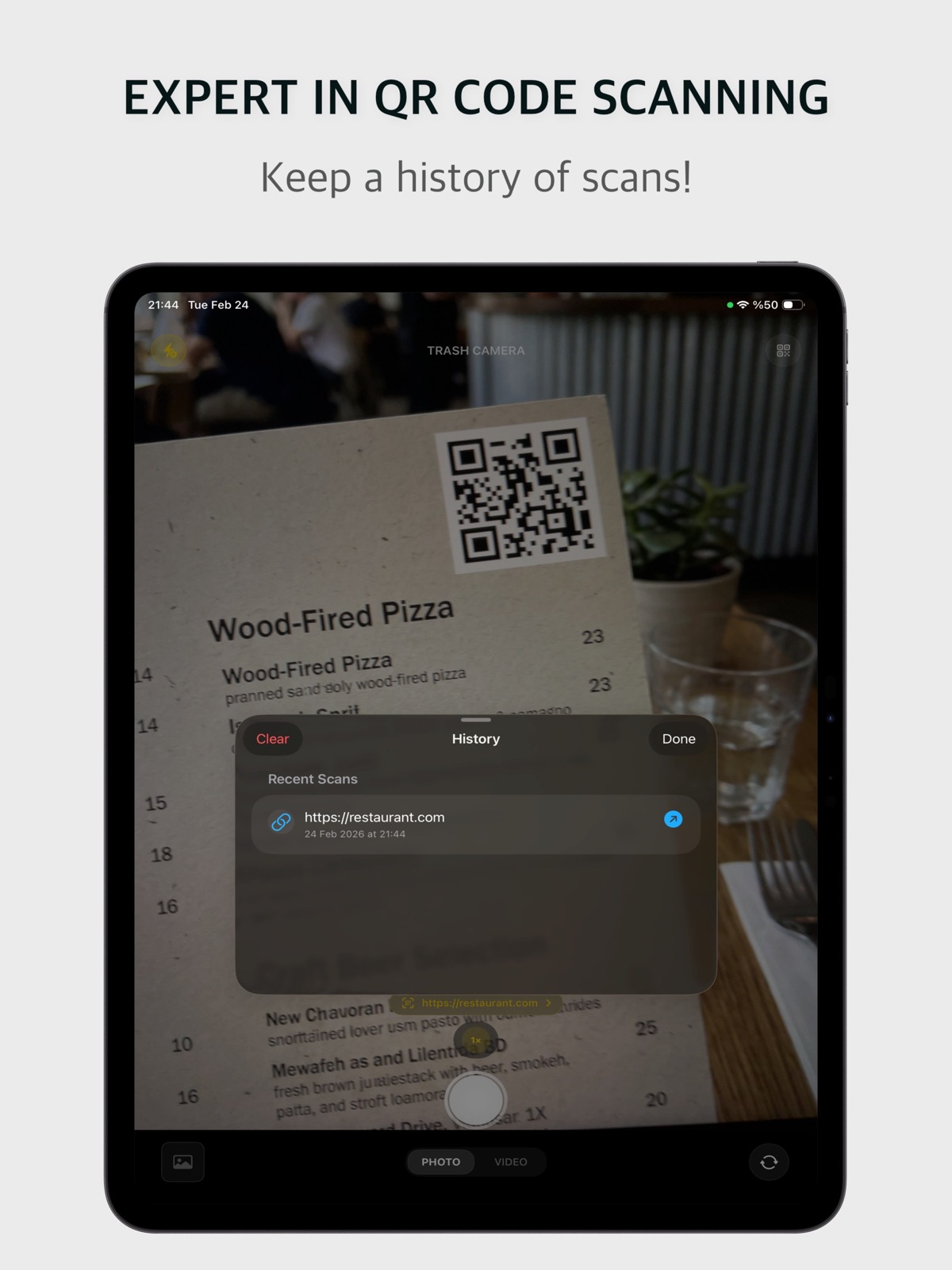
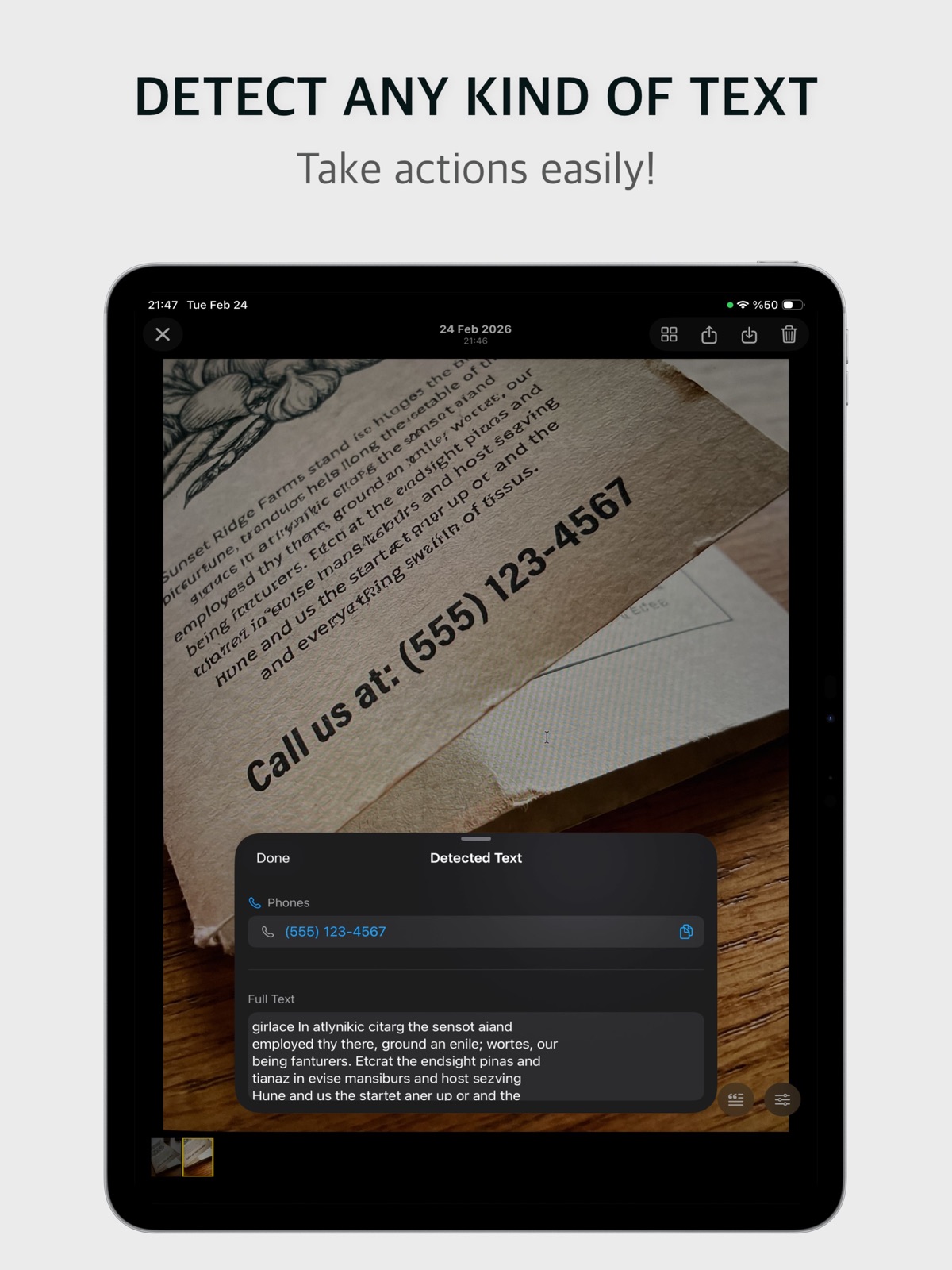
QR codes pop up as you point. In the gallery, barcodes, links, emails and phone numbers are found for you. Open, copy or call in one tap.
Clear the clutter in seconds. Took a shot you love? Save it to Photos with one tap, and only that one.
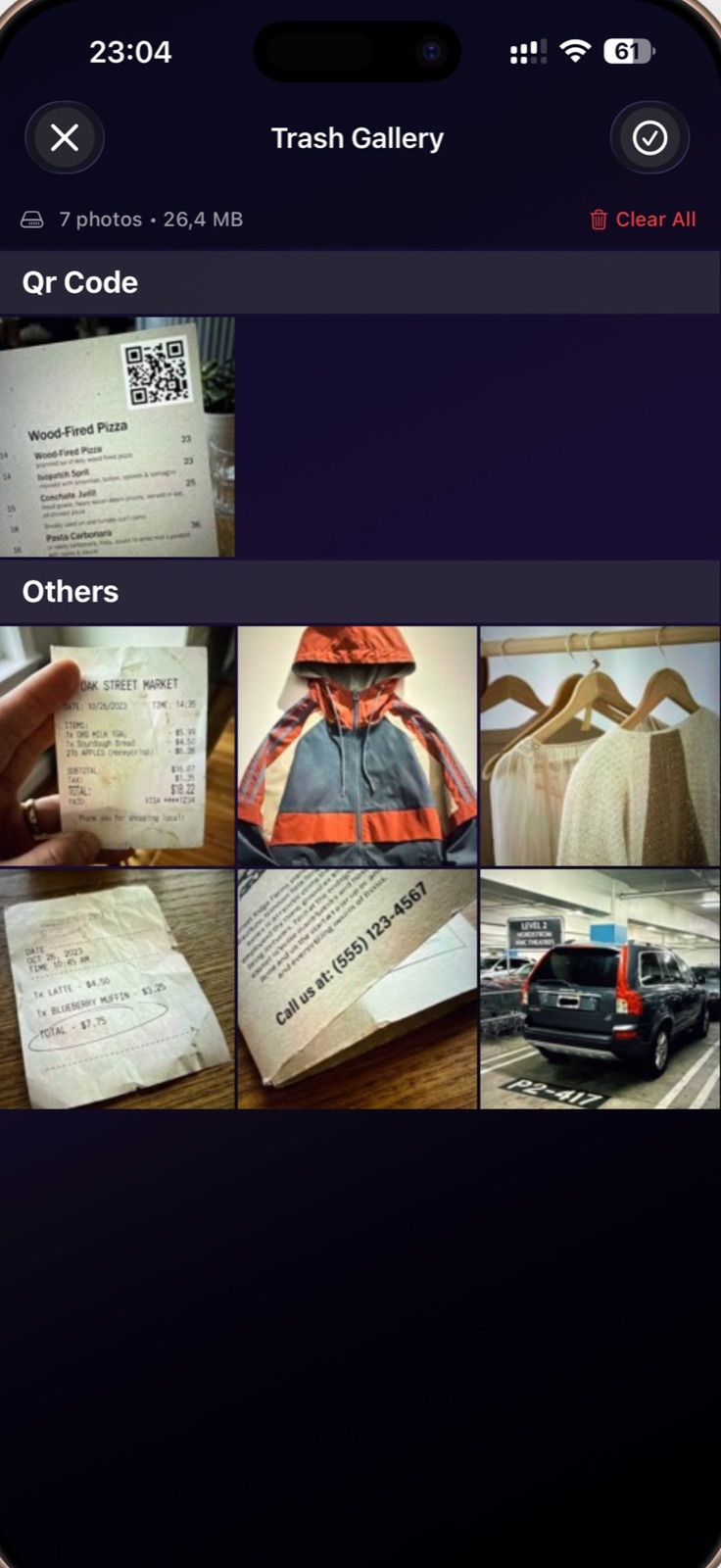
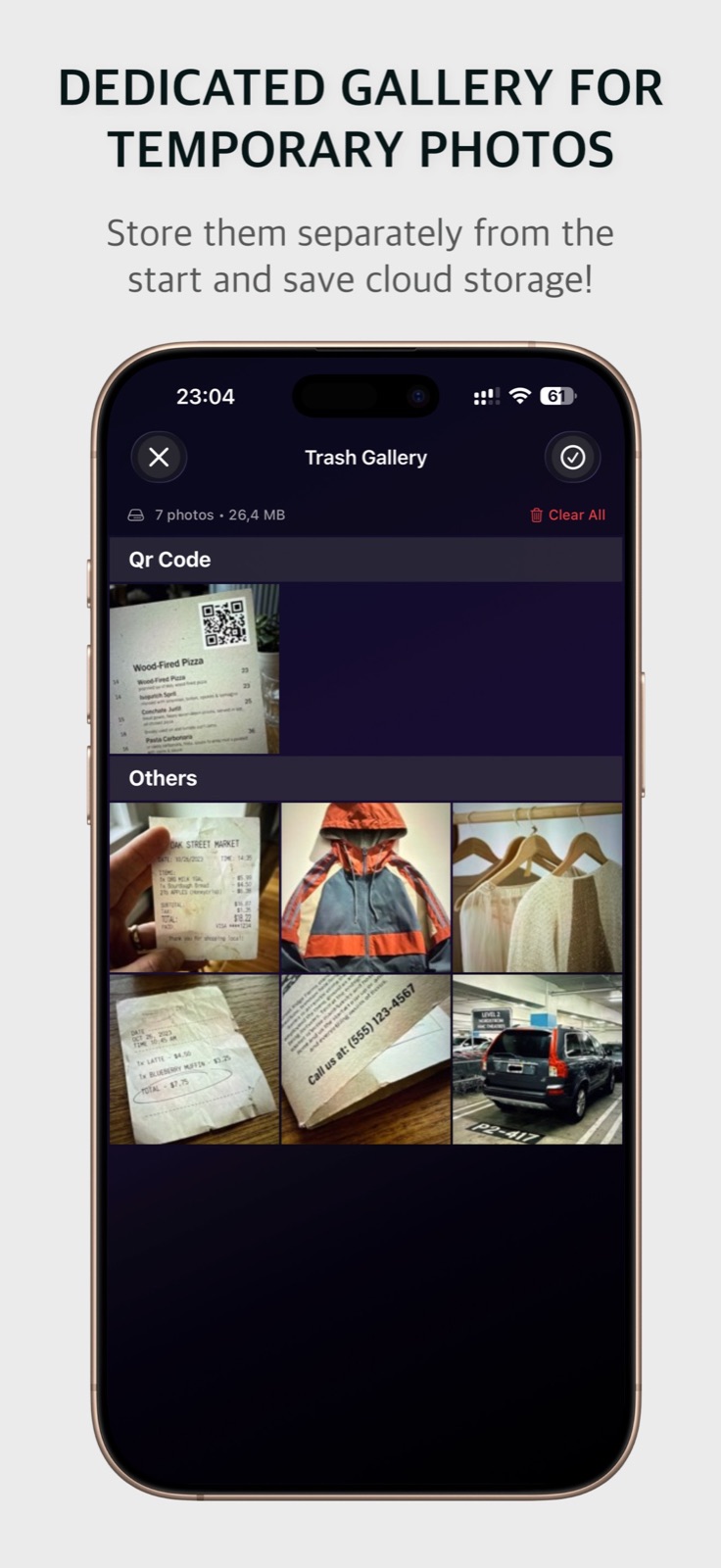
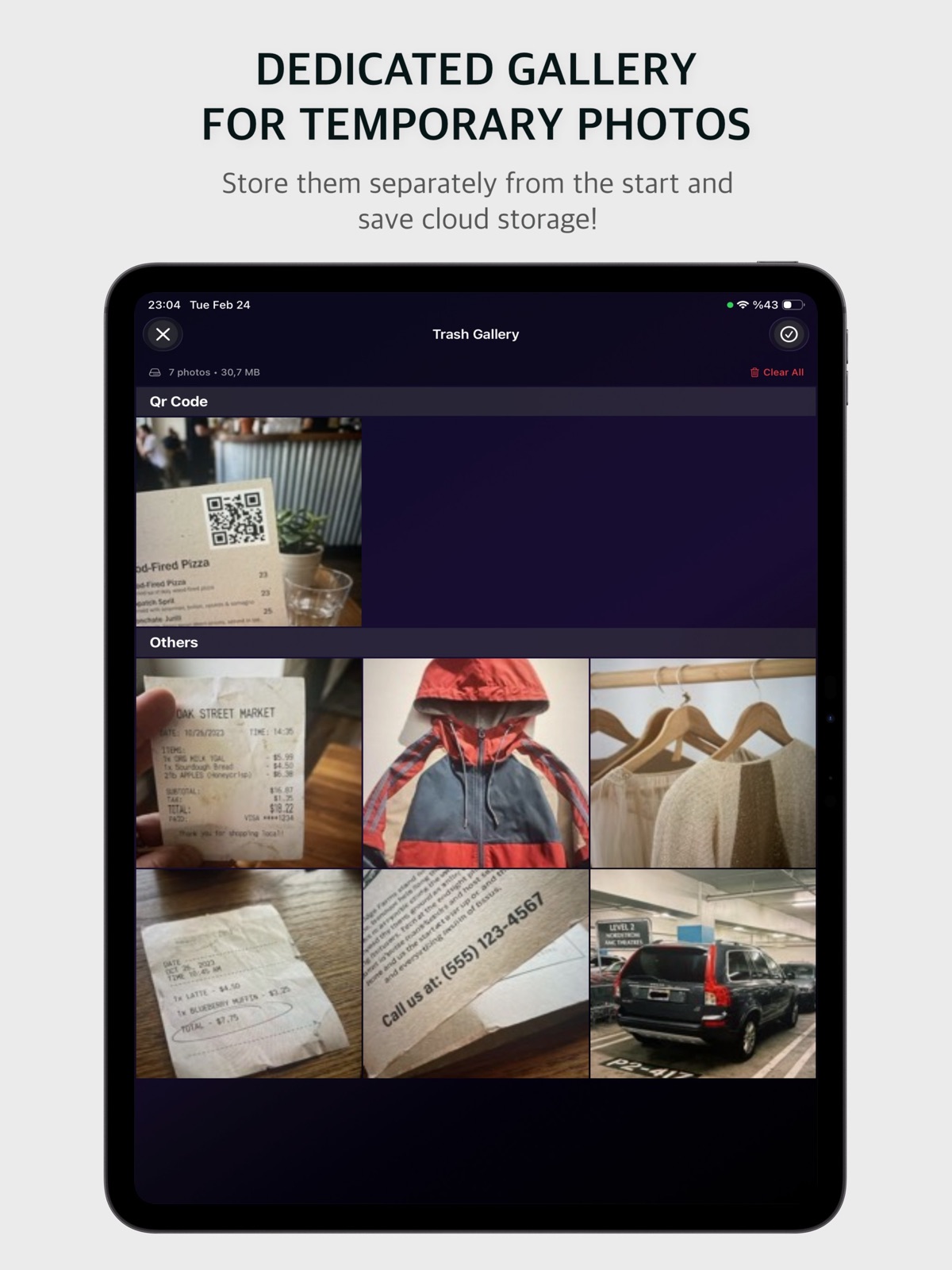
Everything you capture goes into a private gallery inside the app, sorted on your device into QR codes, barcodes, text and everything else. See how much space it takes and empty it with one button.
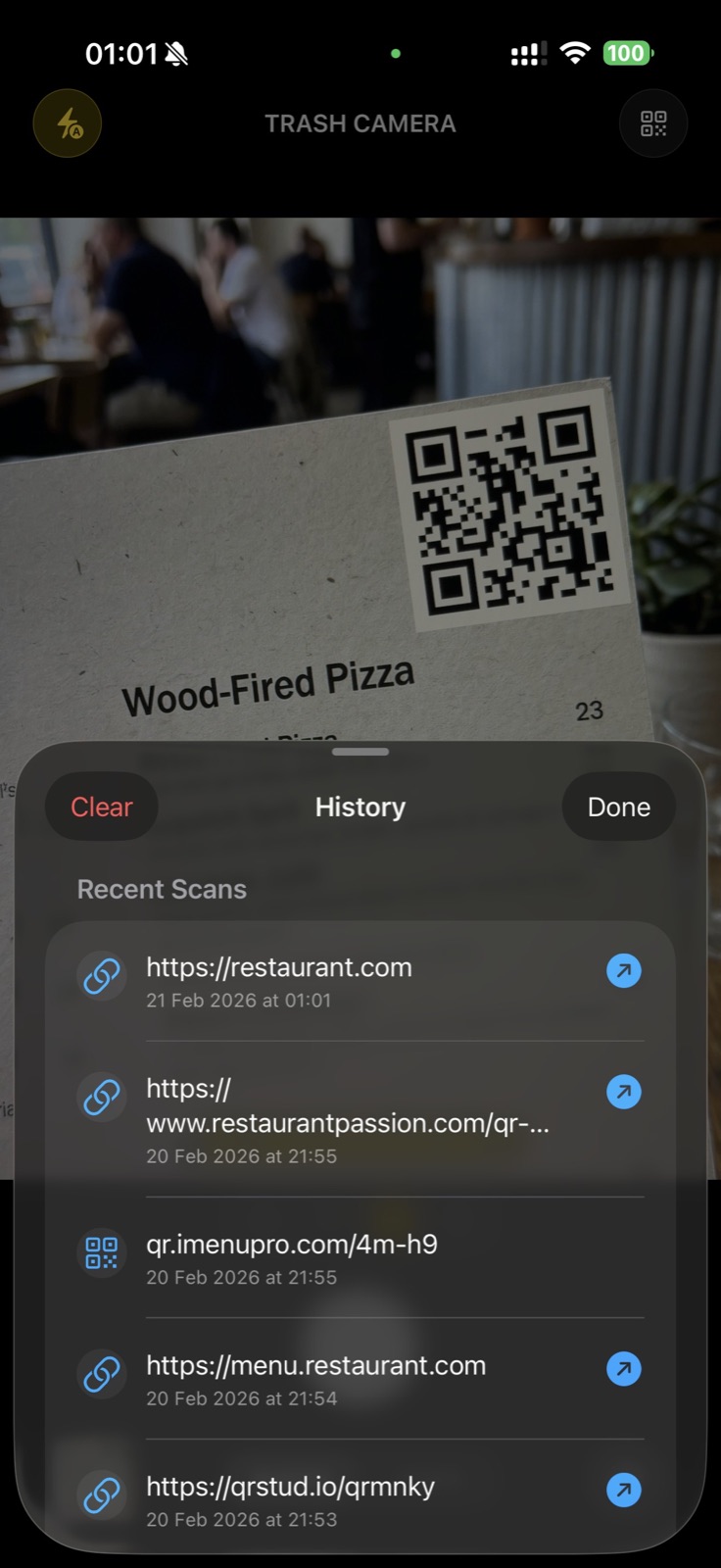
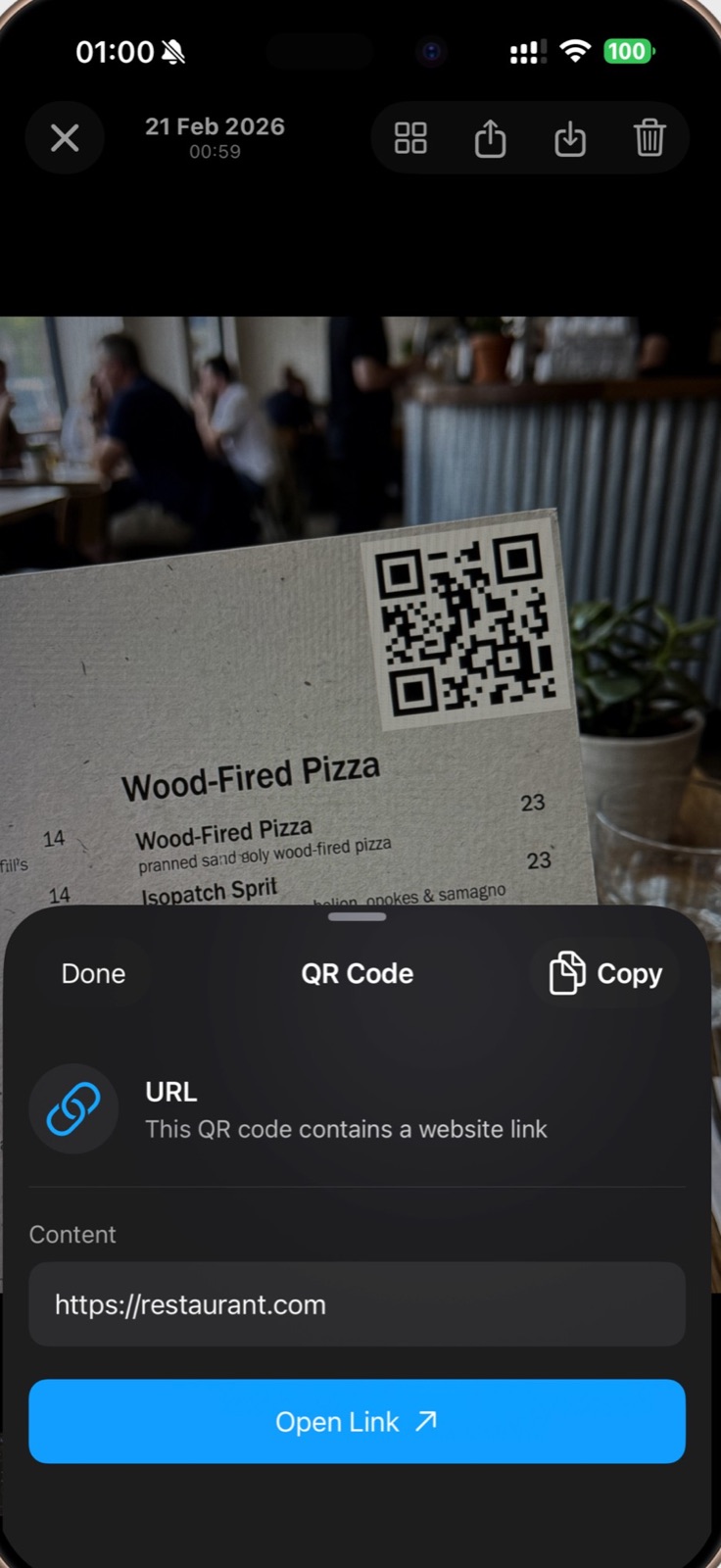
Point the camera at a QR code and its link pops up right in the viewfinder. Every scan lands in a history, so that menu link is still there tomorrow.
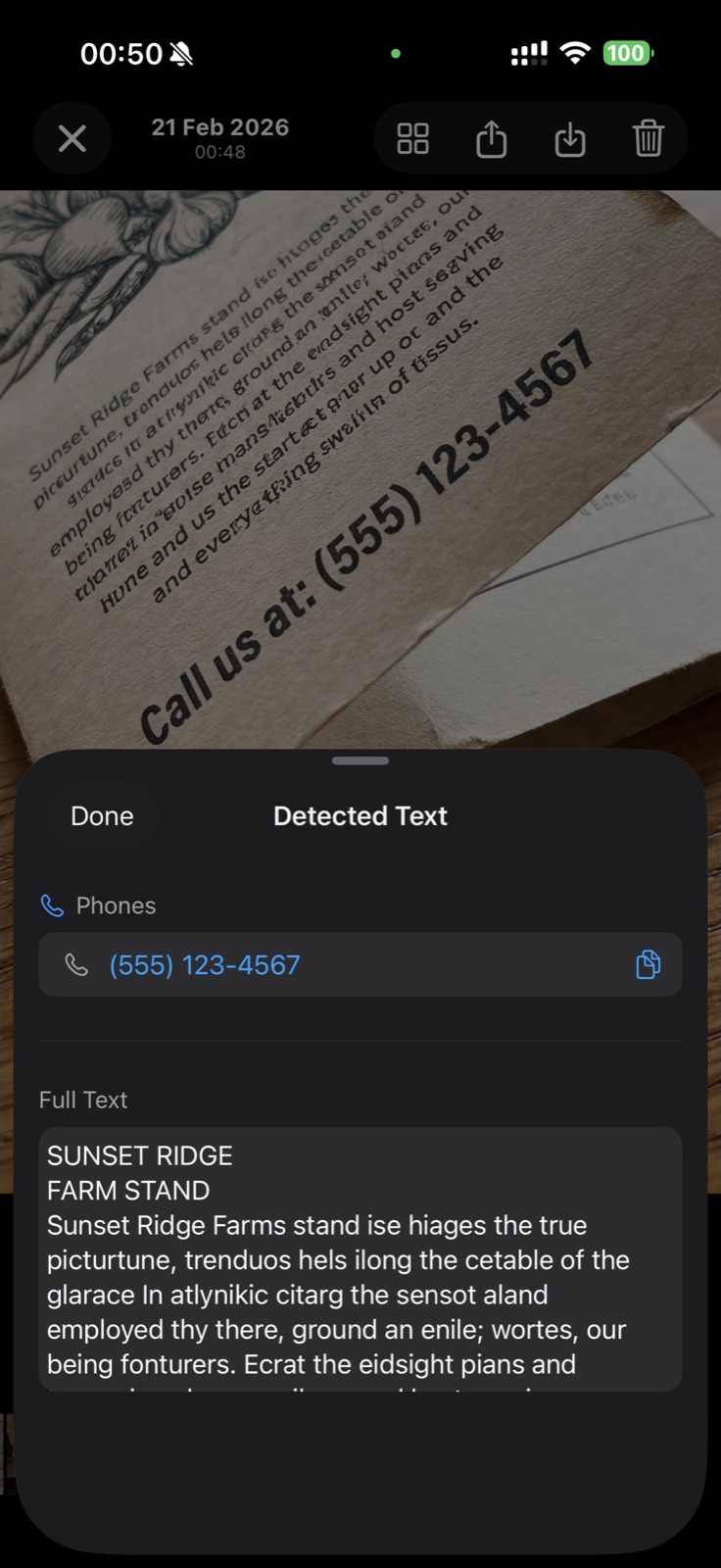
Photograph a flyer, a business card or a router sticker and Trash Camera reads it on your device. Phone numbers, emails and links become buttons; the full text is ready to copy.
Zoom lenses, flash, front and back camera, tap to focus. Videos are temporary too.
Save a single shot to your Photo Library when it turns out to be a keeper.
Got clutter from somewhere else? Send it to Trash Camera from the share sheet.
Trim the receipt to the total before you send it to accounting.
See exactly how much space the gallery uses, then empty it in a second.
Trash Camera has no account, no ads, no analytics and no servers. Photos, scans and detected text are processed on your device and stay there until you share them.
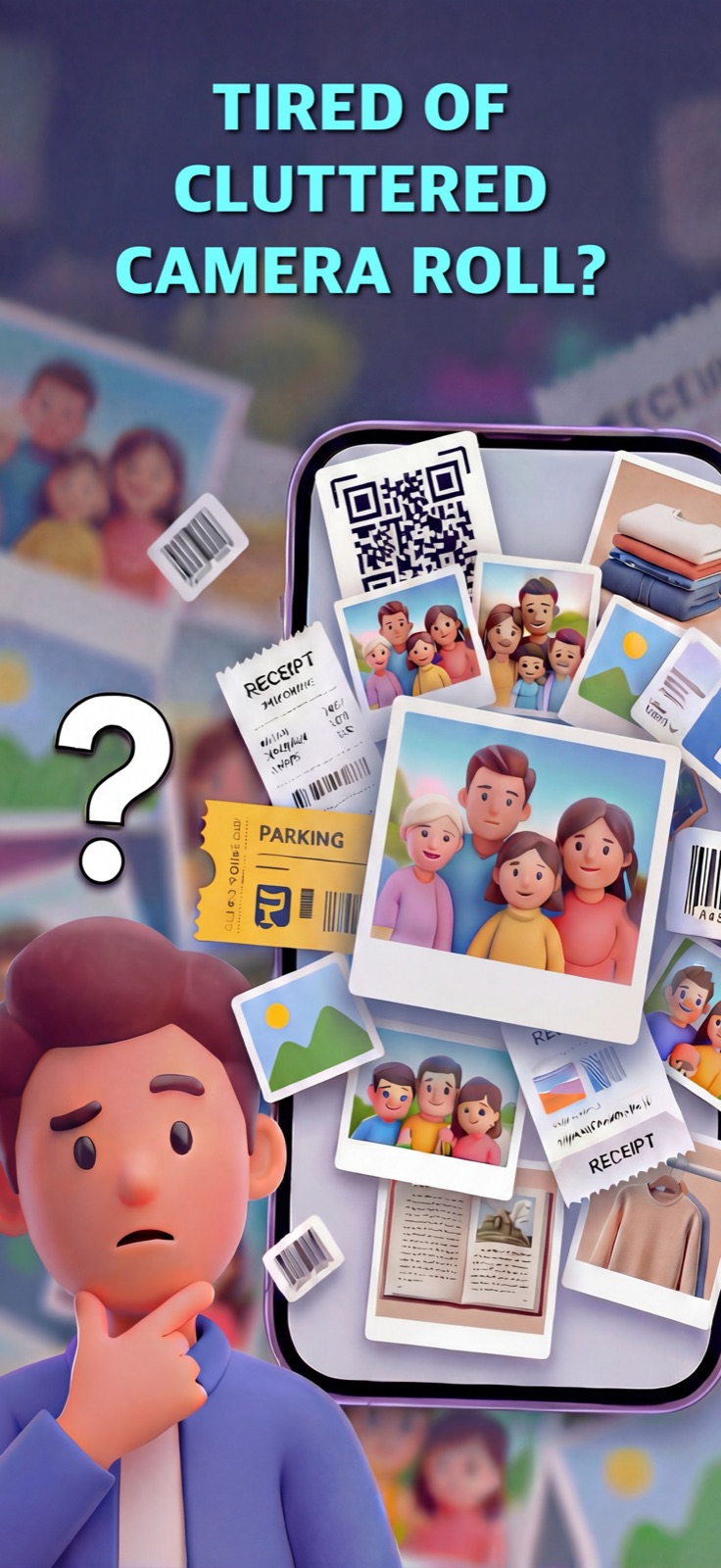
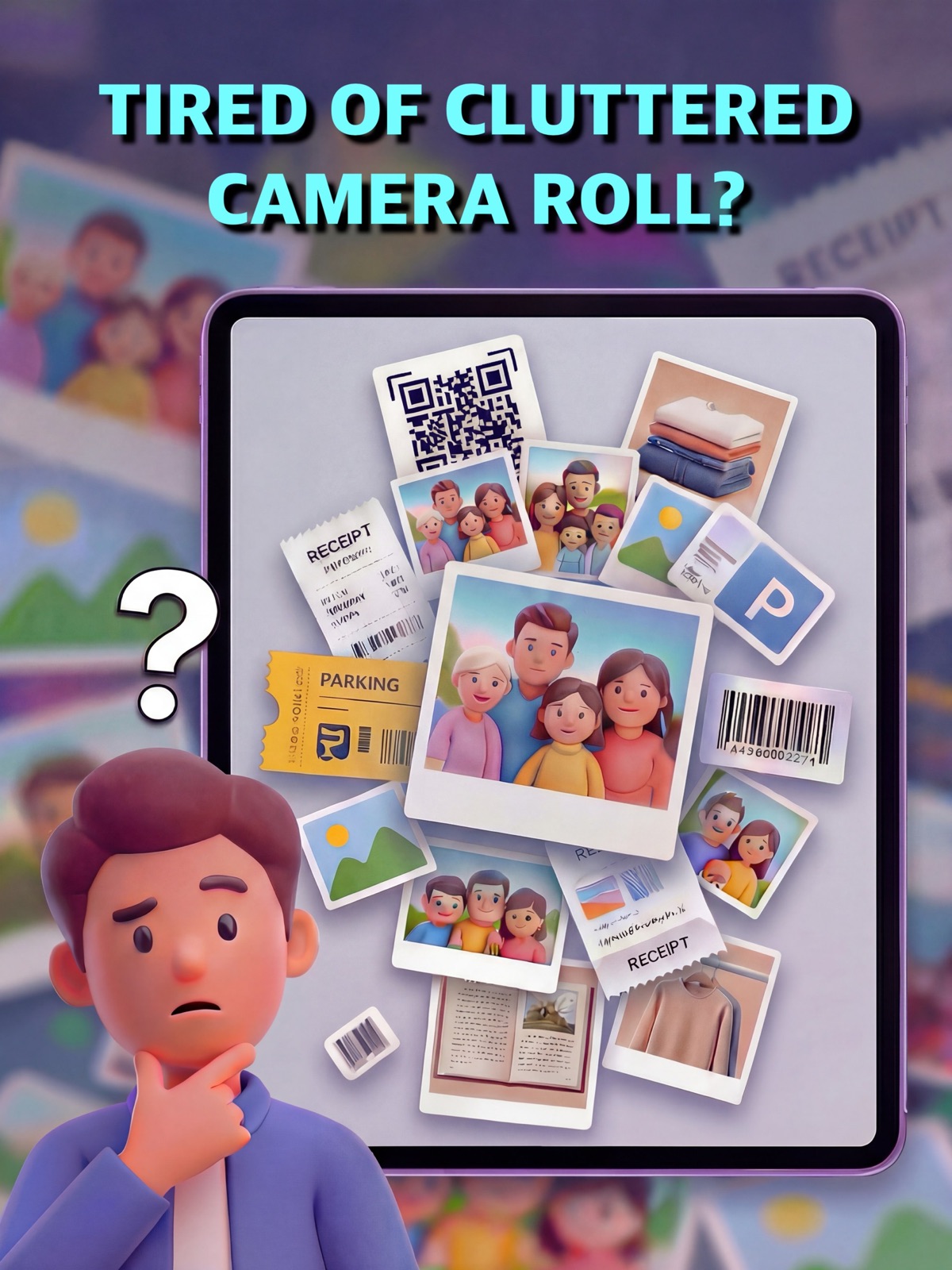
Don’t let utility photos turn your Camera Roll into a junk drawer.